




1
On the home page of your Wave account press Settlement, then select Add Bank. From the list of options, choose Yoma Bank.

Wave account and Yoma Bank Flexi Everyday account can linked by the user digitally through the Wave app without needing to go to the bank.
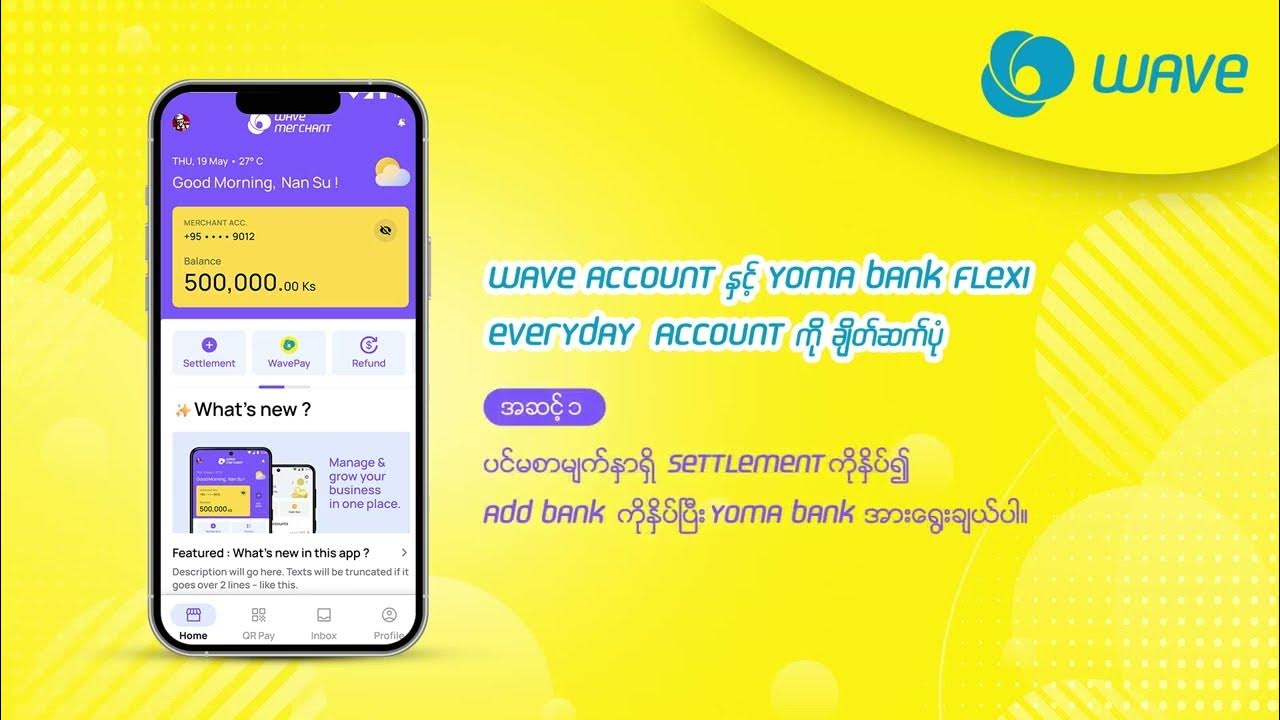

On the home page of your Wave account press Settlement, then select Add Bank. From the list of options, choose Yoma Bank.
In the Account Type field, select Flexi Everyday and enter your Flexi Everyday Account Number. Then press Continue.
Verify the information you entered and press Continue.
Enter the 6-digit OTP you received via SMS from Wave, then press Continue.
You will see the message Linkage Success along with the green checkmark, confirming that your Wave Account has been successfully linked with your Flexi Everyday Account.
Wavemoney © 2026. All rights reserved.Developed by B360
