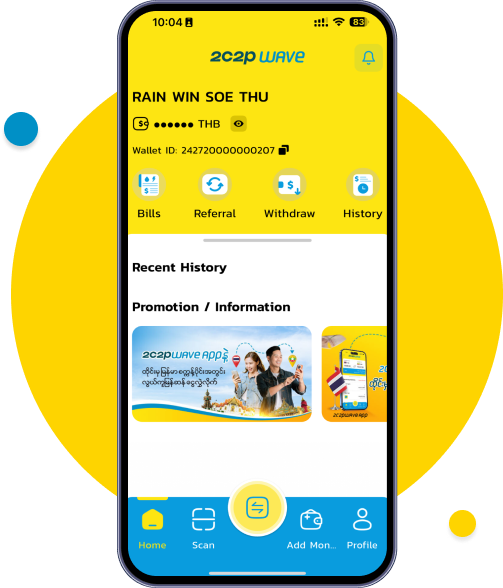
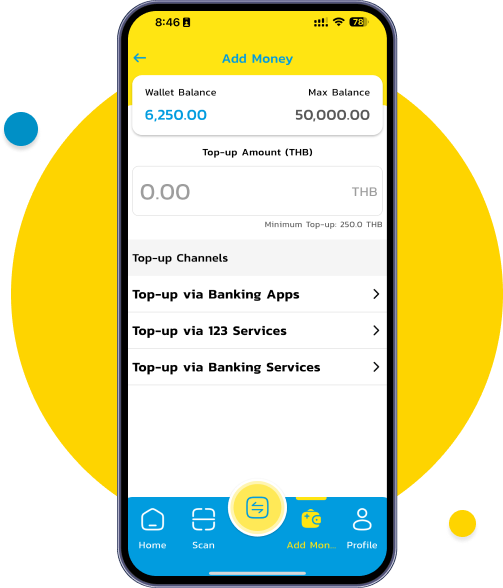
Log in to your 2C2P WAVE account and tap the “Add Money” button.
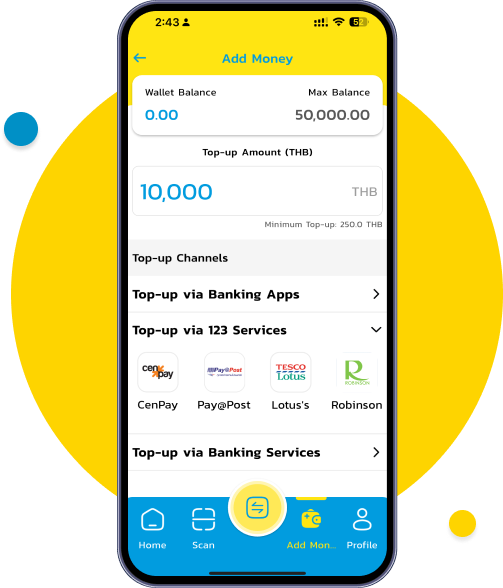
From the list of Top Up Channels, select “Top Up via 123 Services ”.
Enter the the amount you wish to top up and select the merchant/retail store name under the 123 service.
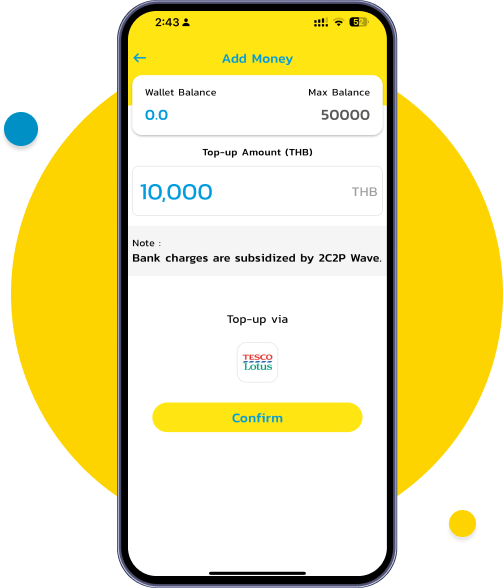
Carefully review the top-up amount and selected merchant/retail store to ensure all details are correct, then tap “Confirm”.
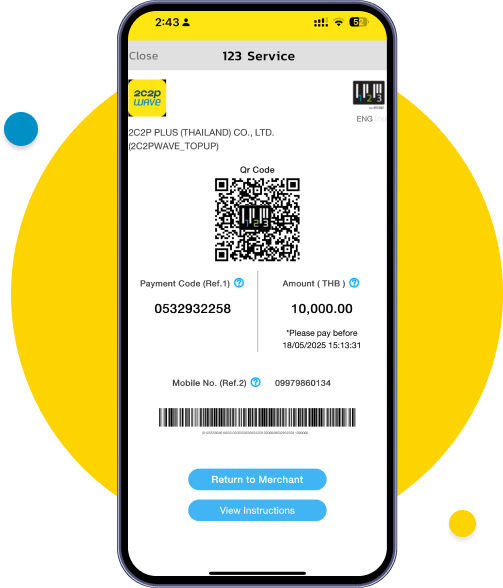
Show the QR code to service provider. If you want to check the status, click “ View Instructions”
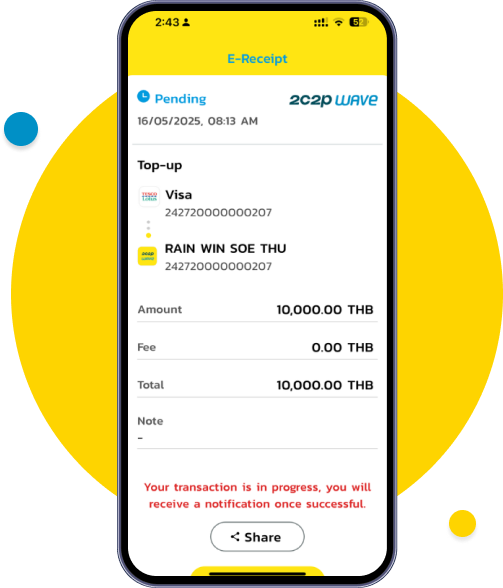
You can view the top-up status. If the merchant is still processing, a pending screen will be displayed.
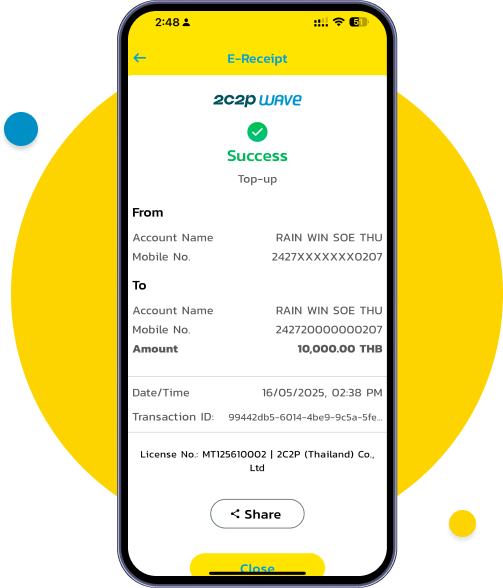
Once the service provider completes the transaction, a “Transfer Successful” screen will appear.
(You new balance will be updated immediately upon successful top-up.)